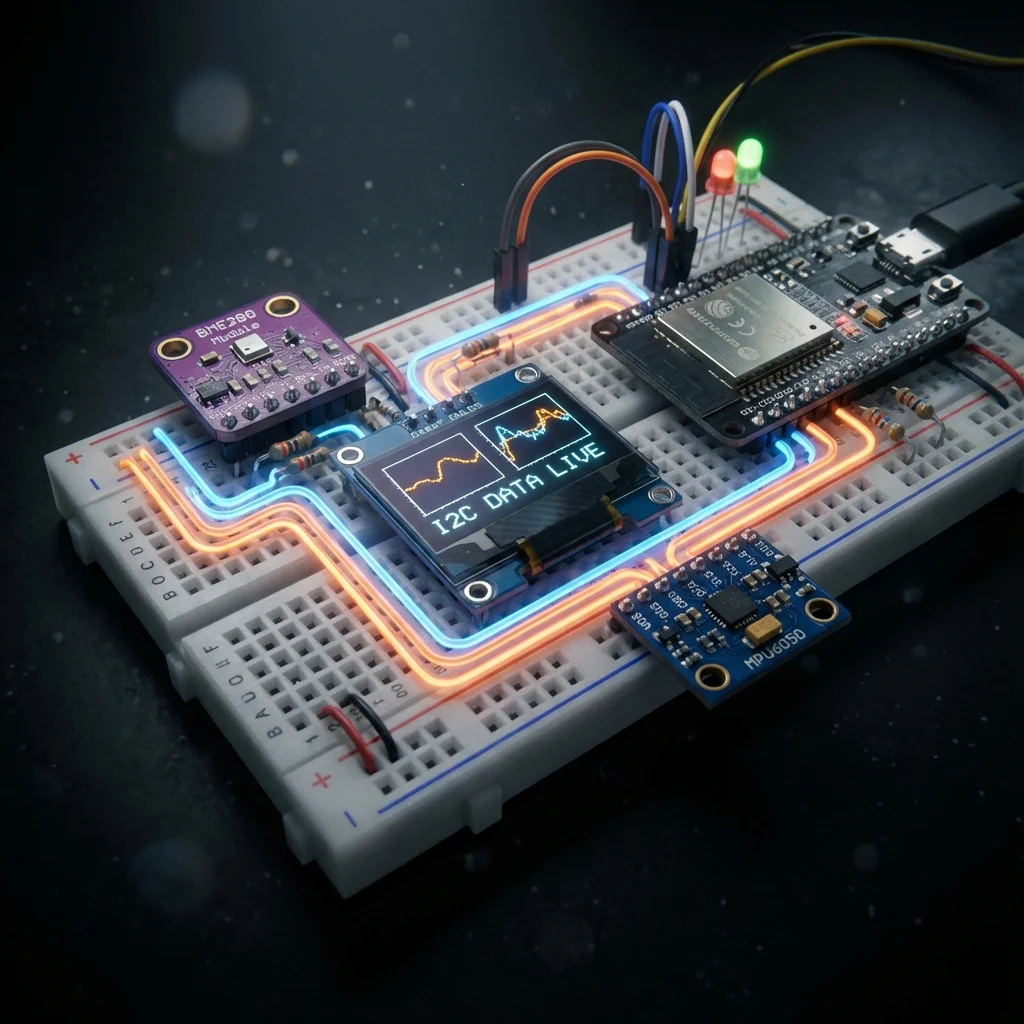
When it comes to connecting sensors to a microcontroller, the I²C (Inter-Integrated Circuit) protocol is industry standard. It’s simple, efficient, and most importantly, it allows you to connect dozens of devices using only two wires.
1. Understanding the two-wire interface
I²C uses two specific lines for communication:
- SDA (serial data): the line used to send and receive data.
- SCL (serial clock): the line used to synchronise data transfer with a clock pulse.
Unlike SPI, which requires a “Select” pin for every device, I²C uses unique 7-bit addresses to identify which device the microcontroller is talking to.
2. The critical role of pull-up resistors
One of the most common reasons for I²C failure is missing pull-up resistors. The SDA and SCL lines are “open-drain,” meaning they can pull the voltage down to GND but cannot push it up to VCC (3.3 V or 5 V).
Without pull-up resistors (typically 4.7 kΩ), the signal lines will “float” in an undefined state, leading to timeouts or scrambled data.
3. Handling I²C address conflicts
If you have two identical sensors (e.g. two BME280s), they likely share the same default I²C address (usually 0x76 or 0x77). If they both try to talk at once, the data will collide.
Most I²C modules have an ADR or A0 pin. Connecting this pin to GND or VCC will toggle the last bit of the address, allowing you to have at least two of the same device on a single bus.
4. Code snippet: I²C address scanner
Unsure if your sensor is connected correctly? Use this universal scanner to find the I²C address of every device currently on your bus.
#include <Wire.h>

void setup() {
  Wire.begin();
  Serial.begin(115200);
  while (!Serial);
  Serial.println("\nI2C Scanner");
}

void loop() {
  byte error, address;
  int nDevices = 0;

  Serial.println("Scanning...");

  for (address = 1; address < 127; address++ ) {
    Wire.beginTransmission(address);
    error = Wire.endTransmission();

    if (error == 0) {
      Serial.print("I2C device found at address 0x");
      if (address < 16) Serial.print("0");
      Serial.print(address, HEX);
      Serial.println("  !");
      nDevices++;
    }
  }
  if (nDevices == 0) Serial.println("No I2C devices found\n");
  else Serial.println("done\n");

  delay(5000); // Wait 5 seconds for next scan
}